For developers
Integrations actions
Disabling an Integration
- Log in to your dashboard:
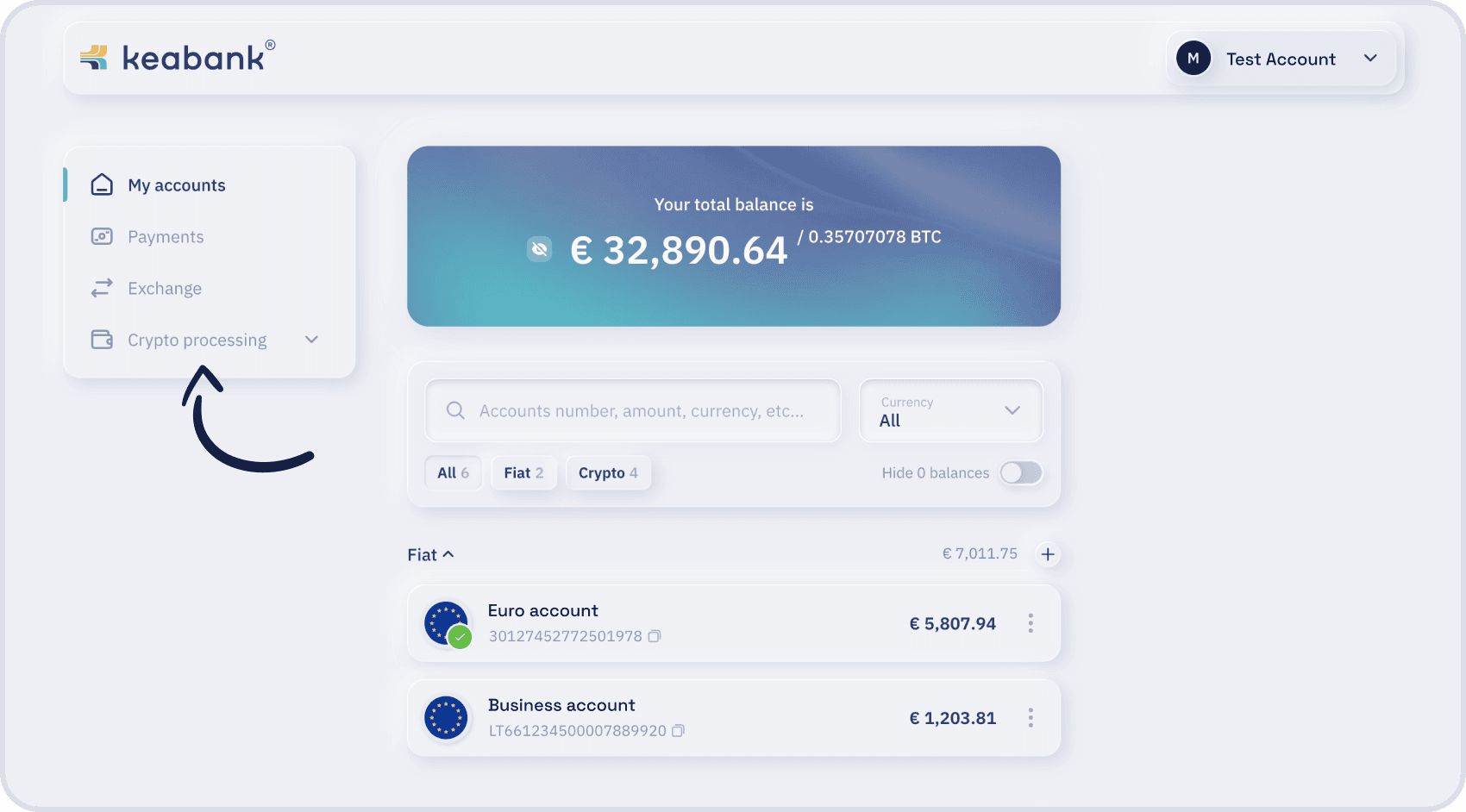
- In the top-left corner click the “Crypto processing” section:
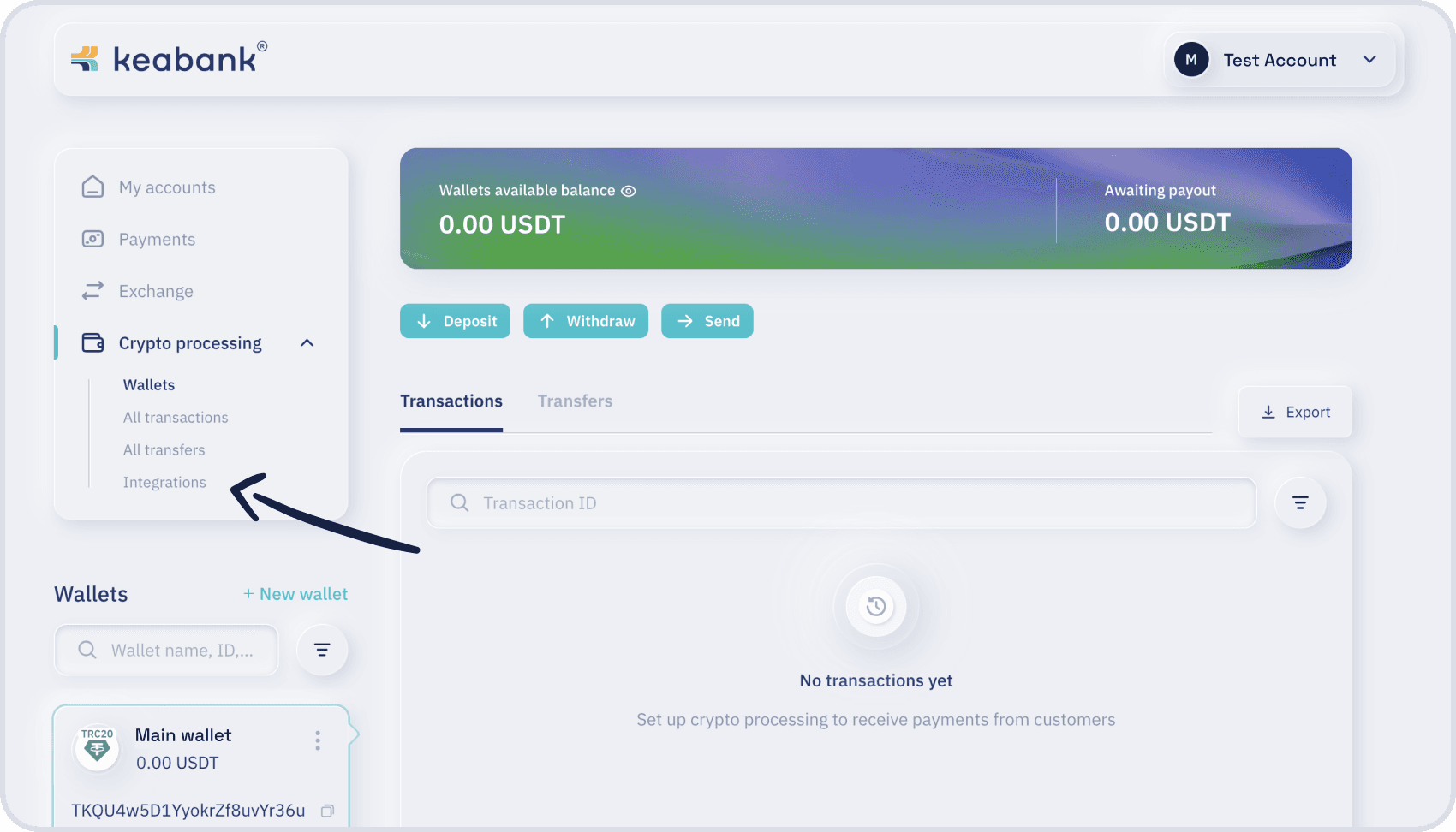
- Click the “Integrations”:
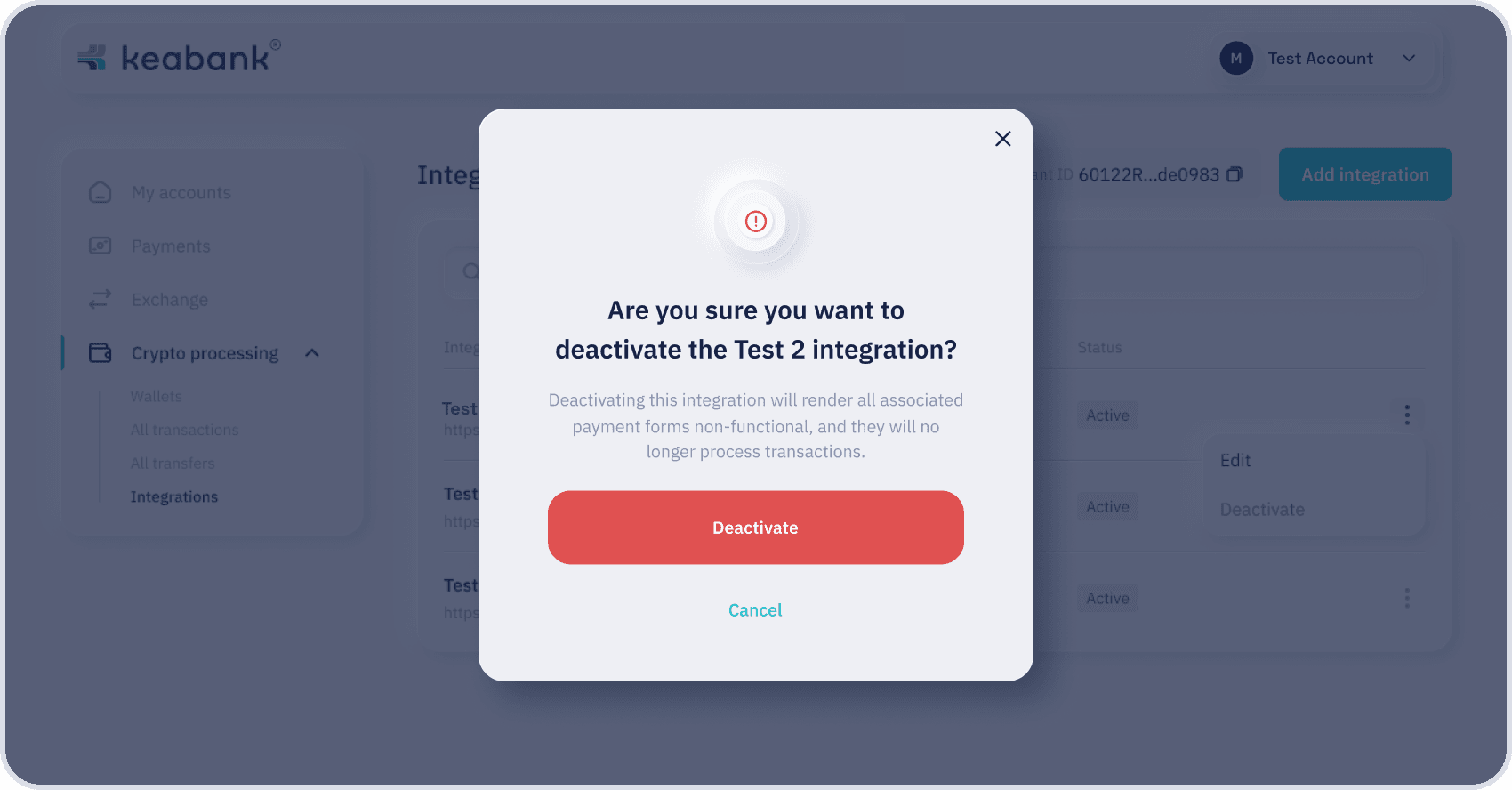
- Choose the integration, click the “three dots icon” (in the right edge on the information row), choose “Deactivate” option.
Notice:
After deactivation it’s not possible to reactivate the integration. You have to create new integration.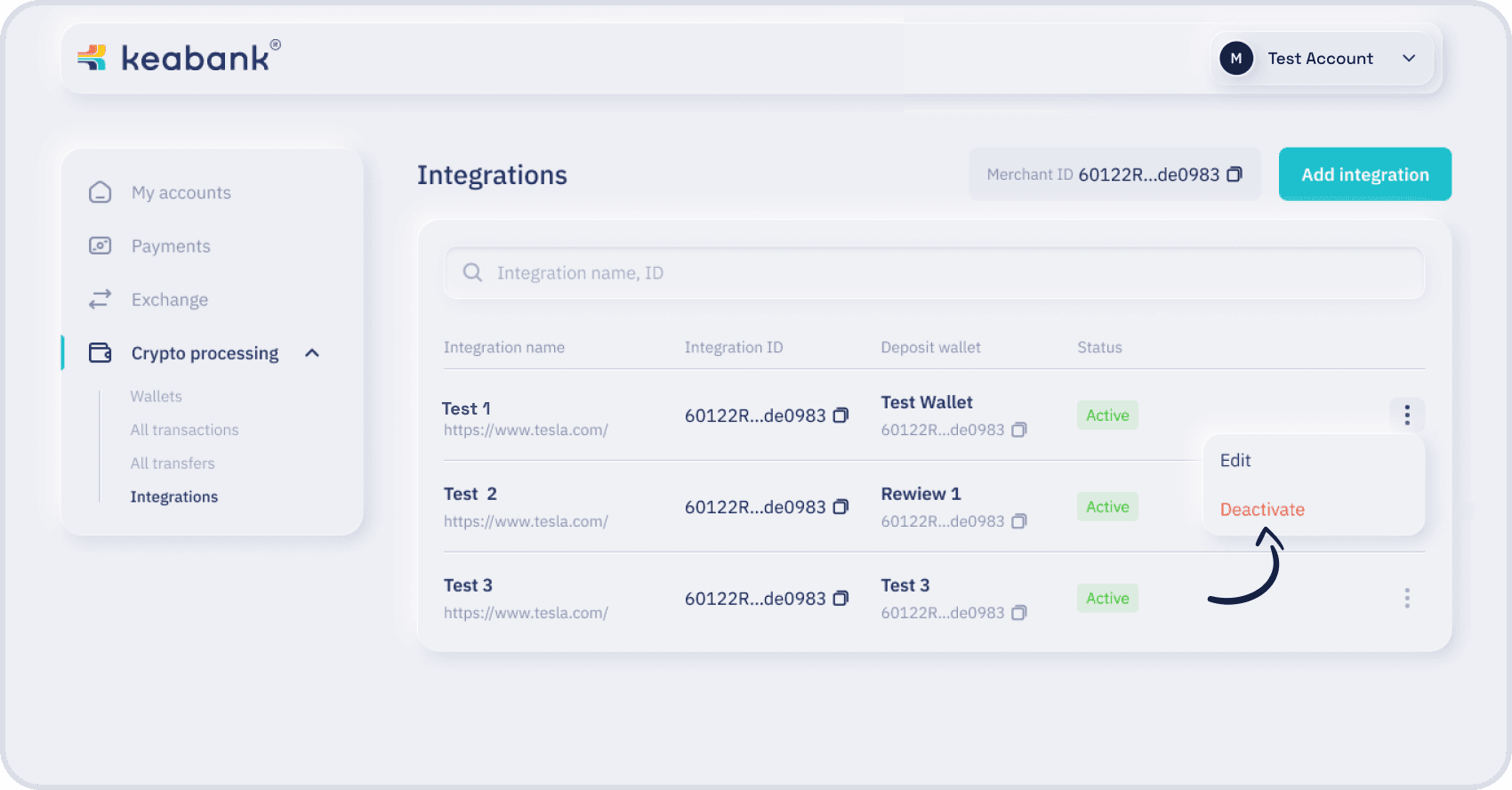
- Confirm it in popup window:
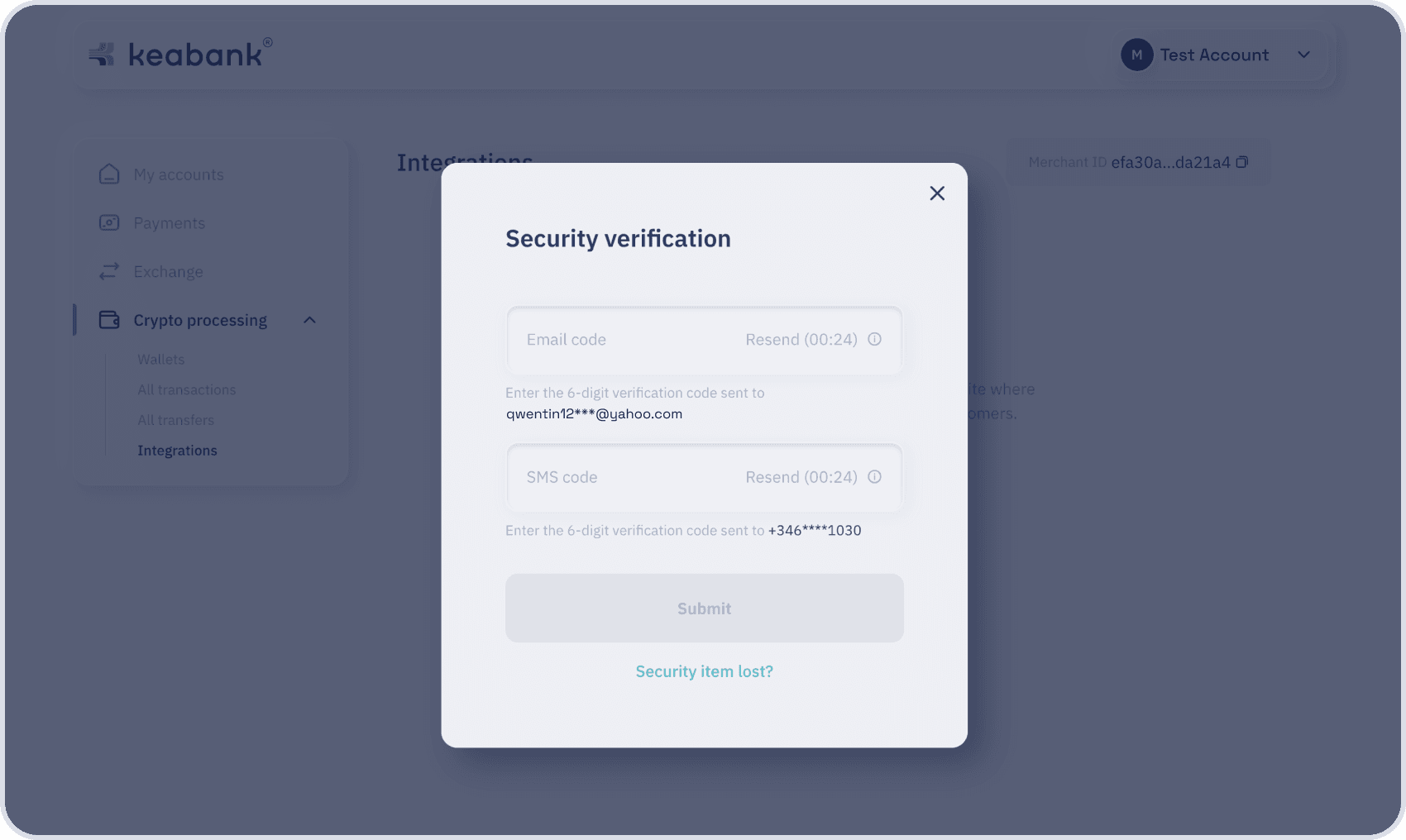
- Enter the OTP codes into the text fields and click the Submit button. (2FA methods must be set)