For developers
Integrations actions
Editing an Integration
- Log in to your dashboard:
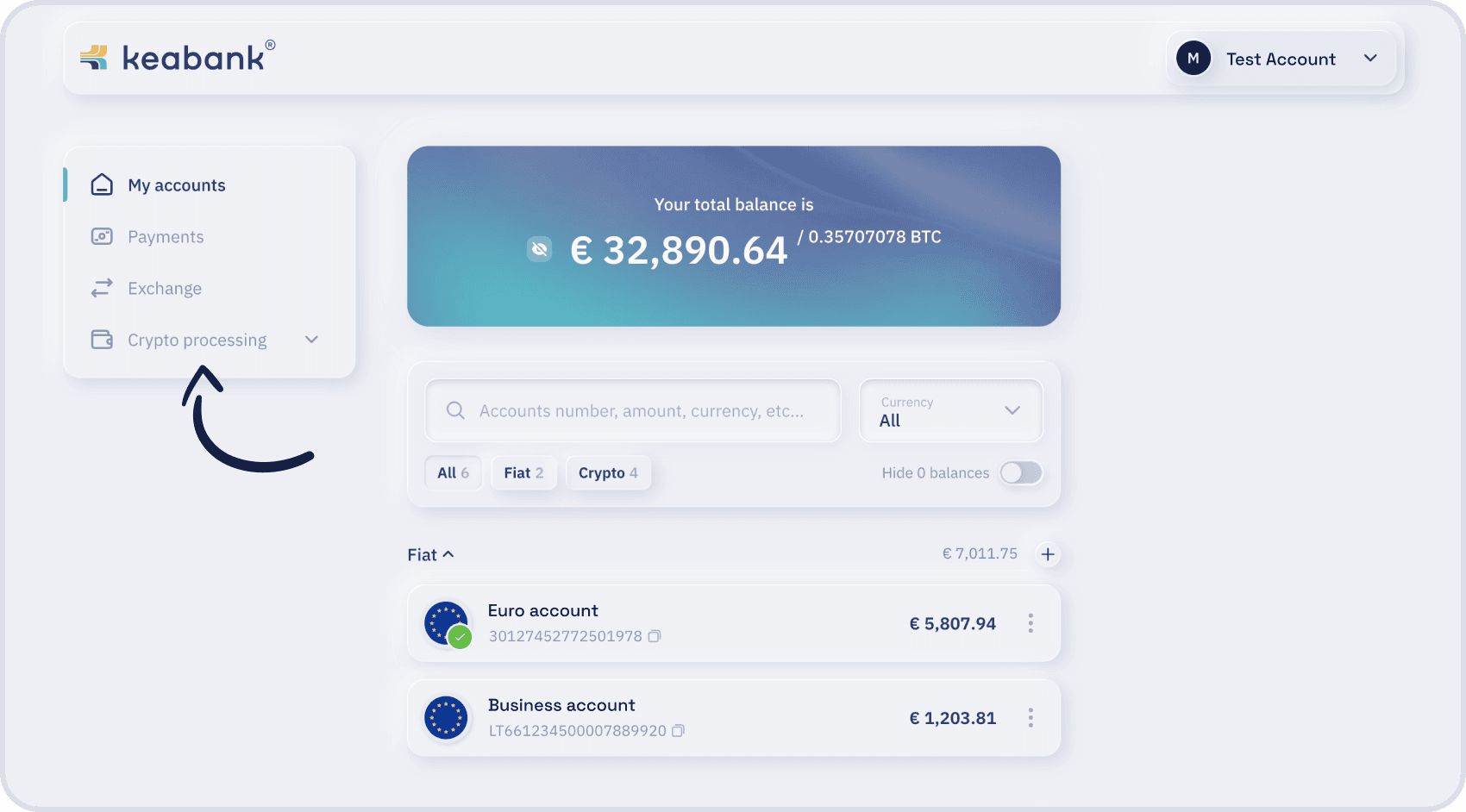
- In the top-left corner click the “Crypto processing” section:
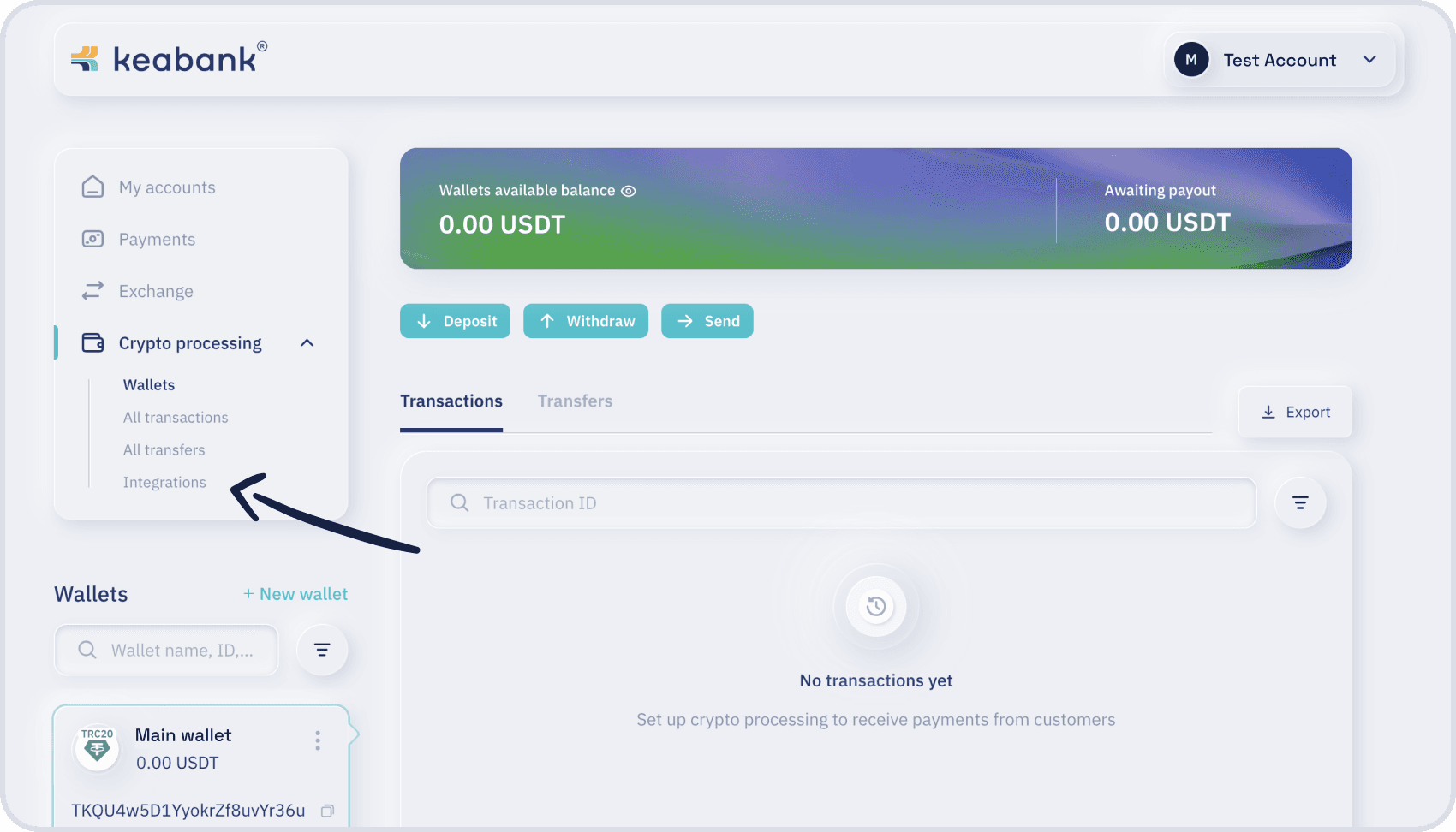
- Click the “Integrations”:
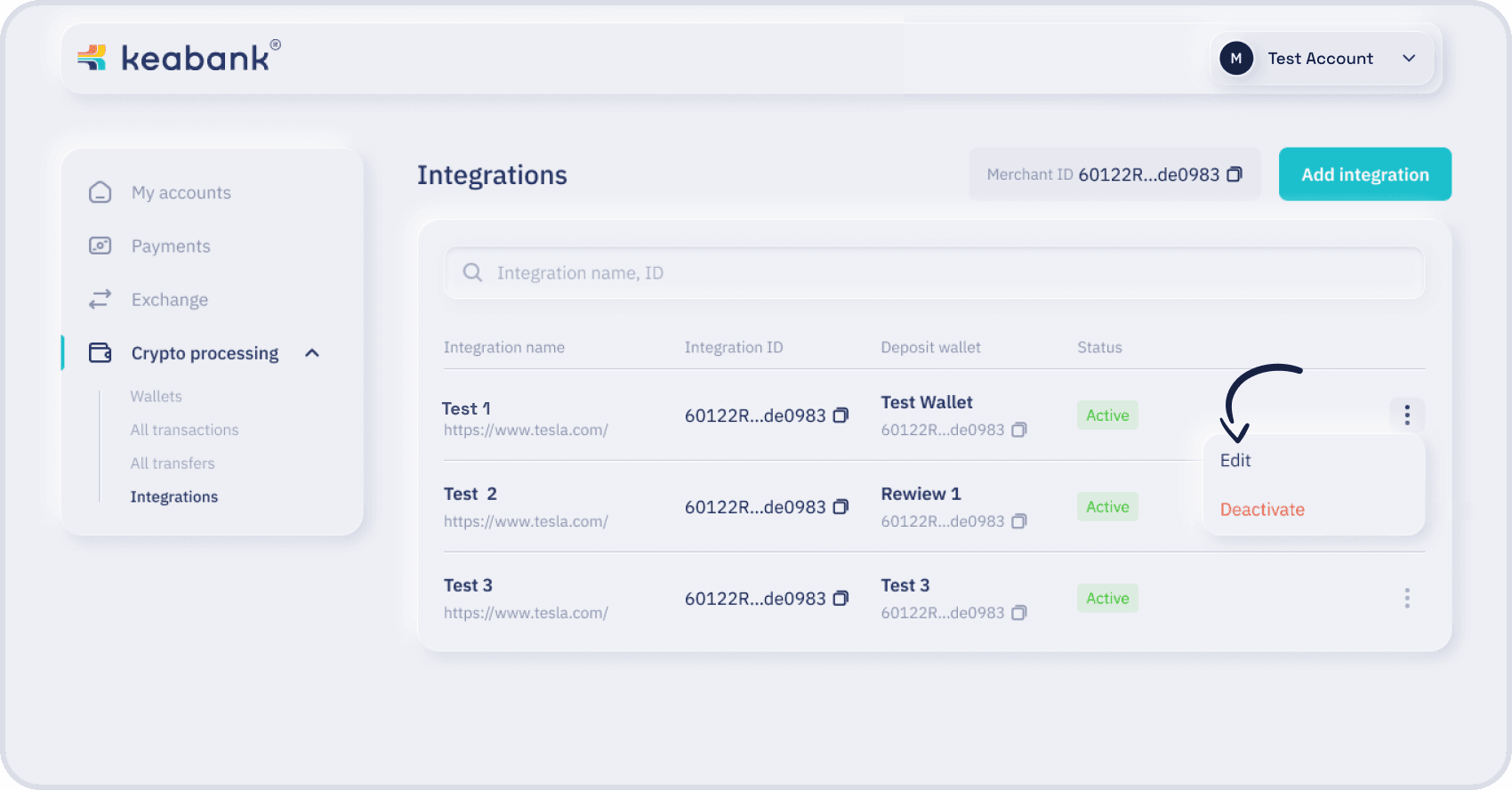
- Choose the integration, click the “three dots icon” (in the right edge on the information row), choose “Edit” option.
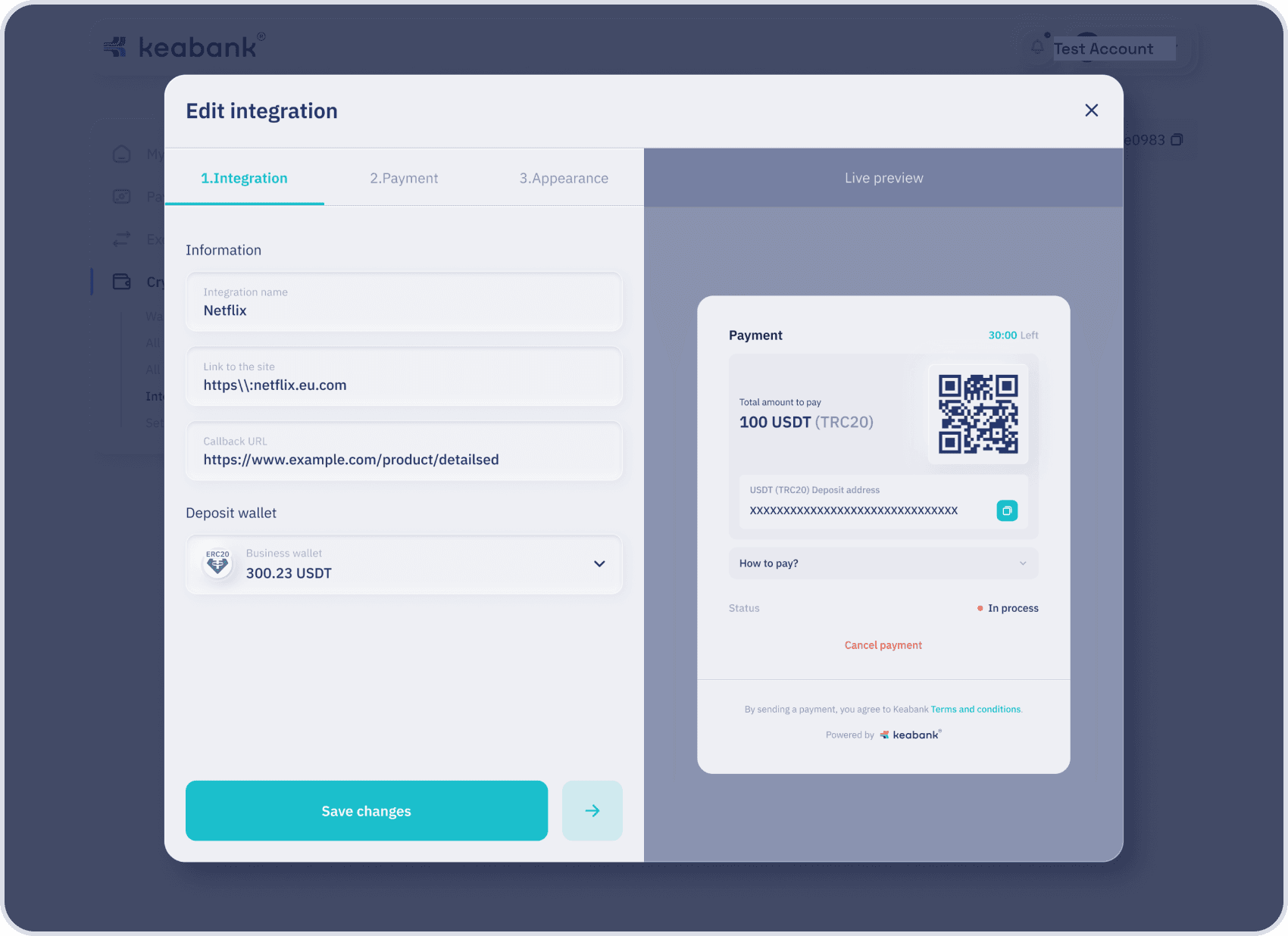
- Make changes to any of the three steps — Integration, Payment, or Appearance — by navigating between the tabs at the top.
Once all settings are confirmed, click “Continue” to proceed.
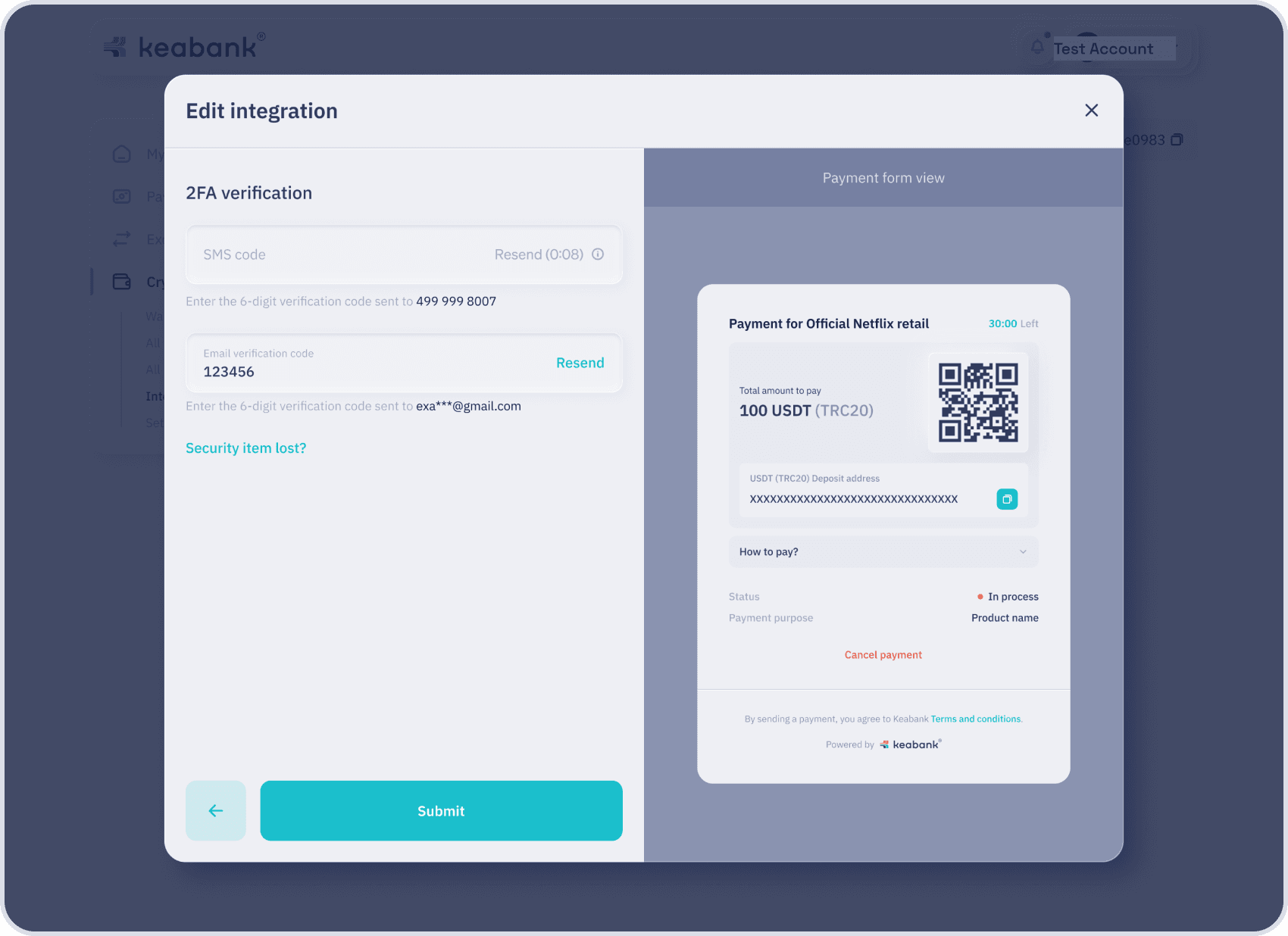
- Enter the OTP codes into the text fields and click the Submit button. (2FA methods must be set)